GetBotRank Now Speaks MCP: Let Your AI Agent Fix What the Audit Finds
A new remote MCP server lets Claude, Lovable MCP, Webflow AI, or any MCP client pull your page-audit issues straight into its own context - and fix them without you copy-pasting a report.
Running an audit has never been the hard part. Reading the report, translating "missing structured data on the pricing page" into an actual code change, and doing that for every flagged issue across every page - that's the part that sits in a backlog. Most audit tools, ours included until now, hand you a list and leave the fixing to you.
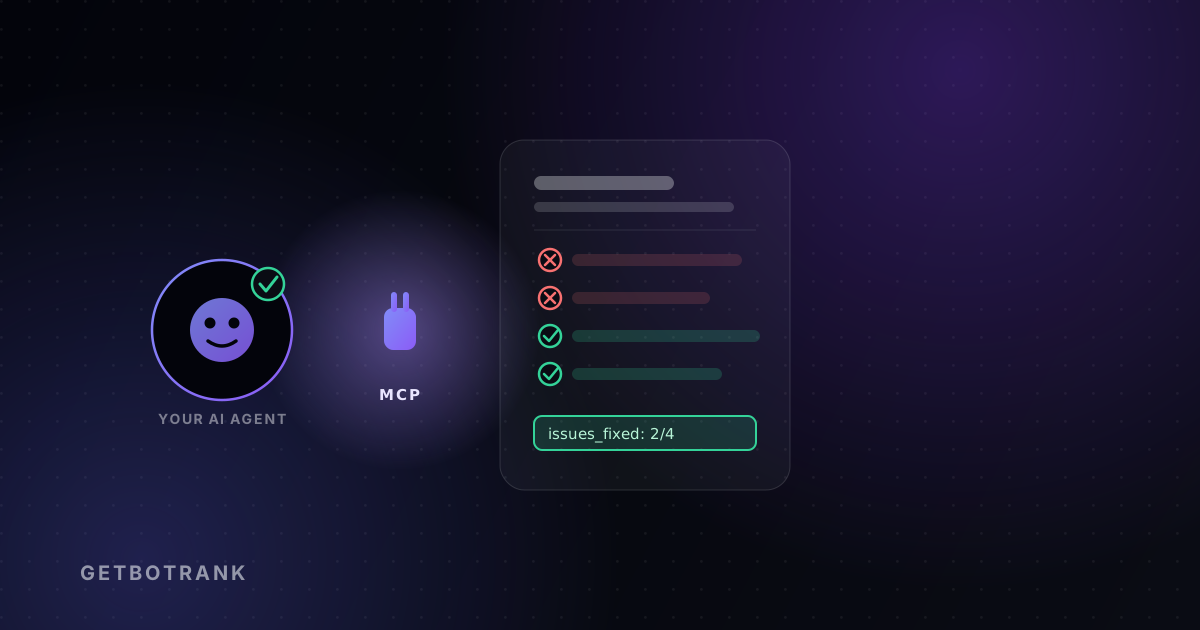
GetBotRank now runs a remote MCP server, so the AI agent you already use to write code - Claude, Lovable MCP, Webflow AI, or anything else that speaks MCP - can pull your audit's issues straight into its own context and fix them directly, instead of you relaying a PDF into a chat window one finding at a time.
What it actually does
Three tools, authenticated with the same API key that already powers the Chrome extension:
list_audits- your audits, newest first, with score/grade/status. Optionally filtered by domain.get_audit- one audit in full: theissuesarray (what's wrong and how to fix it), per-category scores, and raw metrics.run_audit- queues a fresh scan so the agent can verify its own fix in the same session. Costs the same 4 credits as running one from the dashboard.
That's the whole surface. No new dashboard to learn - an agent lists your audits, pulls the one it needs, fixes what the issues array describes, then re-runs the audit to confirm the score moved.
What this looks like in practice
Open any audit in your dashboard and there's now a ready-made prompt sitting right above the issues list:
"Use the GetBotRank MCP server to fetch audit
<id>and fix the issues it finds."
Hand that to Claude Code, or whichever MCP-connected agent is already sitting in your editor, and it does the rest: fetches the audit, reads each issue's severity and fix guidance, edits the relevant files, and - if you've given it a rescan tool - checks its own work.
Setting it up
- Generate an API key from /api-keys - the same
el_live_...key the extension uses. - Point your MCP client at the server URL with that key as a bearer token.
- Ask it to list your audits, or paste the per-audit prompt mentioned above.
Full setup steps - including the exact config block for Claude Code and other JSON-config clients - are in the MCP docs.
Why a remote server, and why now
Most of what a page audit finds - missing schema, thin answer-shaped content, structure that AI crawlers can't parse - is fixed in code, not in a dashboard. The report was always going to end up back in an editor eventually. Skipping the copy-paste step in between is the entire point of MCP existing as a protocol, and it was a small enough surface for us to expose safely: three read-mostly tools, scoped to the calling account, spending the same credits the dashboard already meters.
If you're already running an AI agent against your codebase, this is the fastest way to close the loop between "the audit found something" and "the audit no longer finds it."