Google Now Shows AI Overviews for Brand Searches Where the Knowledge Panel Was
Google is moving AI Overviews for brand searches into the right-hand column on desktop. Here is what changed, why accuracy is the risk, and what to check now.
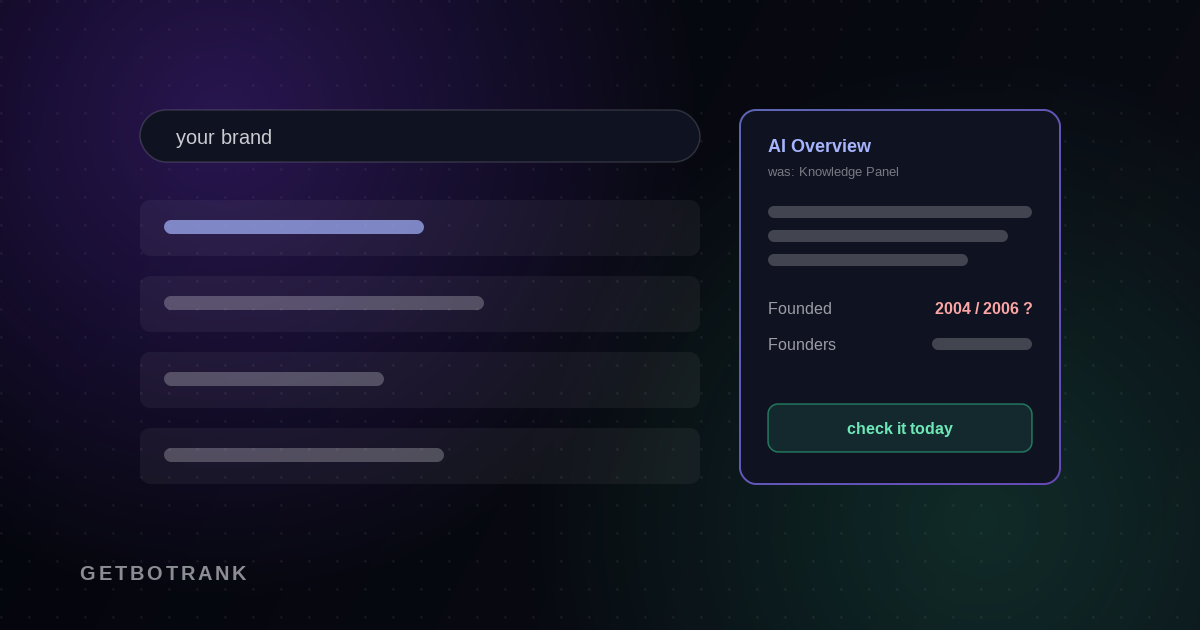
Google has started showing AI Overviews for brand-name searches in the right-hand column on desktop, the slot the Knowledge Panel used to own. For many brands, the first summary a searcher sees about them is now written by a model rather than assembled from entity data the brand could claim and correct. Google has not announced the change, and the rollout looks uneven, but the practical takeaway is already clear: if you have not read what Google's AI says about your brand this month, do it today.
What happened
David McSweeney posted on X on October 31, 2026 that AI Overviews for branded searches were appearing in a right panel on desktop. Chris Long of Nectiv flagged the same thing on November 2, noting Google was showing an AI Overview for brand terms instead of a Knowledge Panel. Search Engine Roundtable reported it the same day, with Barry Schwartz describing it as Google essentially replacing brand knowledge panels with AI Overviews.
PPC Land's write-up lists examples in US results: apple, zillow, coca cola, google and search engine roundtable. All reports so far are desktop only, and Google has not said whether this is a test or a permanent layout.
On the Apple example, the main column opens with apple.com and its sitelinks. The right column carries an "AI Overview" label, a review rating, delivery and return terms, payment options, a generated company description and fact rows such as founders and a customer service number.
Why this is bigger than a layout tweak
The Knowledge Panel was never perfect, but it was built from entity data. Brands could claim it, suggest edits, and fix it through well-known sources. An AI Overview is different: it is generated text drawn from sources the model picks, and you cannot edit it.
Some panels still show a claimed-profile header with "Suggest edits" above the overview. Google has not explained whether those edits change the AI-written part.
Accuracy is the first risk. PPC Land points out that the Zillow panel's AI text gave one founding year while a fact row in the same panel gave another. PPC Land notes the gap probably comes from Zillow's founding year versus its public launch year, but a searcher reading the panel just sees a contradiction. Small errors like that are exactly what end up repeated in other AI answers.
Scale is the second. According to Ahrefs data cited by PPC Land, AI Overviews appeared for 63 of 100 large brand names by September 30, 2026, compared with 5 of 98 usable results on July 1. Of the 57 overviews that listed sources, 41 cited Wikipedia. That makes your Wikipedia entry, or the lack of one, a big input into how Google describes you.
There is no click data yet on how the new placement changes branded traffic. Search Console's generative AI reporting shows impressions without queries or clicks, so you cannot measure this cleanly from Google's side.
It is part of a wider pattern
Google is not the only platform writing its own version of your brand profile. On November 6, Search Engine Roundtable reported that OpenAI appears to be building a "claim your business" feature for ChatGPT. Sneeze It's summary says it reportedly shows impressions and clicks and lets verified businesses update product and business details, though nothing has launched and OpenAI has not commented.
The direction is the same on both sides. AI systems are becoming the place buyers get a first description of your company, and that description is assembled from whatever sources the system trusts. We made a version of this argument in ChatGPT, Perplexity, and Gemini Are the New Homepage. Branded search on Google is now heading the same way.
What to do this week
- Search your brand on desktop. Use a clean browser, check US results and your main markets, and also try your top product names and navigational queries. Note where the AI Overview appears: right column, top of results, further down, or not at all.
- Screenshot and date it. The layout is changing and nobody has a public archive. A dated screenshot is your baseline for every fix that follows.
- Read the description line by line. Check founding date, founders, leadership, products, locations, pricing, and return or delivery policies. Check the AI text and the fact rows separately, since they can disagree.
- Trace errors to the source. Look at the cited links. If a claim is wrong, the fix usually lives on Wikipedia, Wikidata, a review site or an old directory listing, not on Google.
- Make your own site the clearest source. Keep one About or company facts page with dates, people and products in plain text, matching Organization markup, and
sameAslinks to your official profiles. The Brand Entity Checker shows whether you have a Wikidata entity and whether your markup links to it, and the Schema Validator catches JSON-LD errors. - Use Suggest edits if you see it. It costs nothing, but do not rely on it, since Google has not said it covers the AI text.
- Watch branded clicks. Annotate November 2 in Search Console and compare branded clicks and click-through rate before and after. Treat any change as a signal, not proof.
Check the other engines too
Fixing Google's panel is half the job. The same sources that feed it, especially Wikipedia and your own facts page, also shape what ChatGPT, Claude and Gemini say when a buyer asks about your category or compares you with a competitor. Good structure helps there as well; our guide on how to structure content so LLMs actually cite it covers the basics.
GetBotRank's Visibility Tracker runs buyer-intent questions across ChatGPT, Claude and Gemini on a schedule and tracks how often your brand is mentioned, so a wrong or missing description shows up as a trend you can act on. If you want a quick starting point, the free AI visibility audit checks whether AI crawlers can read your key pages and how ready they are to be cited.
The shift from Knowledge Panel to AI Overview means the summary of your brand is no longer something you claim once and forget. It is something you check, correct at the source and check again.
Frequently asked questions
What changed with AI Overviews for brand searches?
Since around October 31, 2026, Google has been showing AI Overviews for many brand-name searches in the right-hand column on desktop, the spot that used to hold the Knowledge Panel, instead of at the top or middle of the main results. Examples reported include apple, zillow and coca cola in US results. Google has not announced the change or said whether it is a test.
Can I edit what the AI Overview says about my brand?
Not directly. The AI text is generated from sources Google's system selects. Some panels still show a claimed-profile header with a Suggest edits link, but Google has not said whether those edits affect the AI-written description. The practical lever is fixing the sources it draws on: your own About and facts pages, Wikipedia, Wikidata and major third-party profiles.
Does this affect mobile results?
Every report so far describes desktop only, mostly in US results. None of the coverage we read includes a mobile observation, so check your own brand on both before assuming anything.
How do I know if the AI Overview about my brand is wrong?
Search your brand name on desktop, screenshot the panel, and compare each claim (founding date, founders, products, locations, policies) with your own site. One reported example showed Zillow's AI text giving a different founding year than the fact row directly below it, so check the AI text and the structured facts separately.